
01Pick the workout
Start a coached program, or build your own around the time you have, the kit you have, and what you want to train.
If you have just started lifting, or started again, OneMore is the coach you would otherwise have to hire. It counts your reps out loud, calls your cues and keeps you going through the set, and it tells you how to do each exercise: where to stand, what to focus on, which muscle you should feel.
No ads, no tracking, and your voice is never recorded.
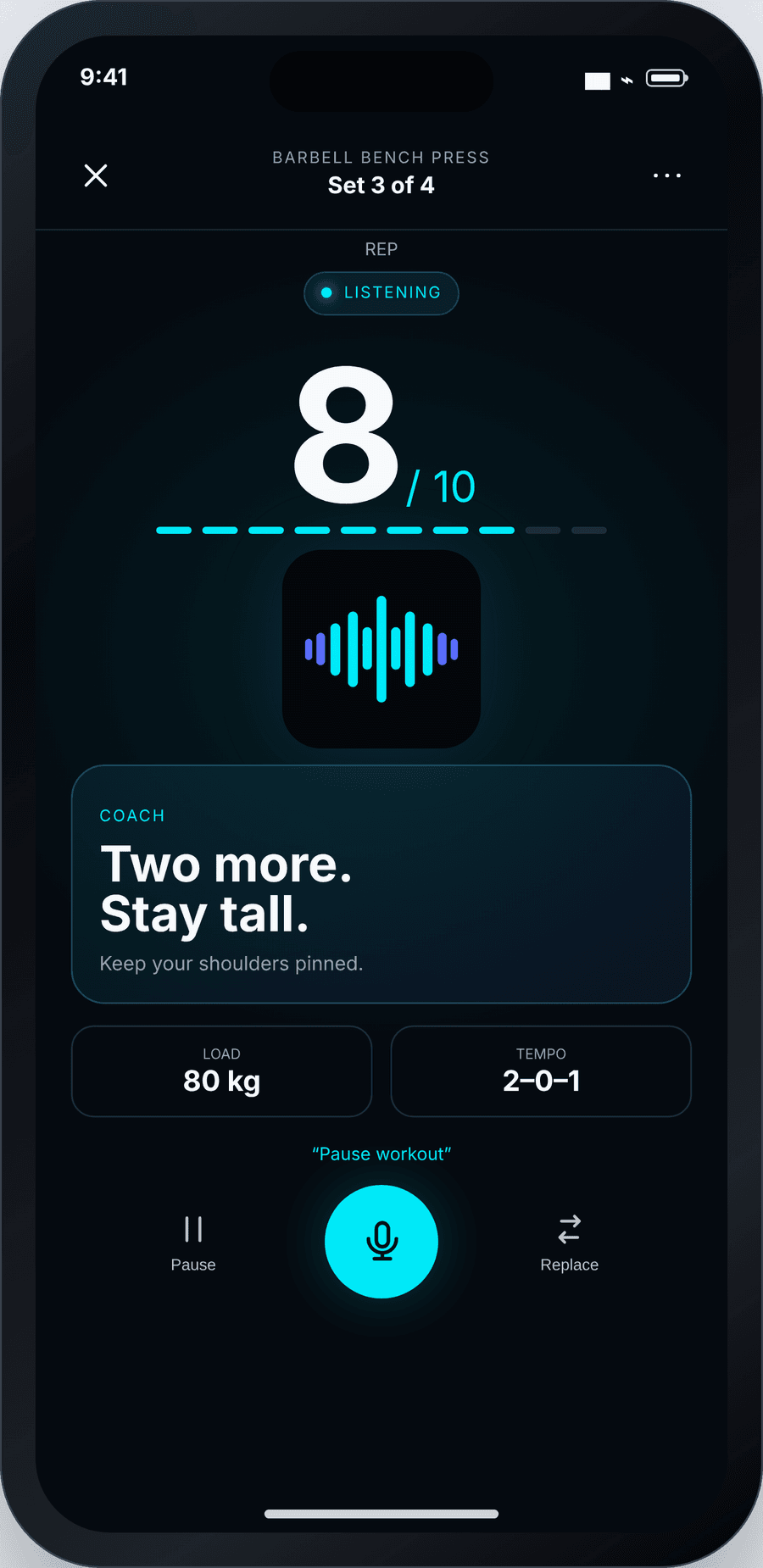
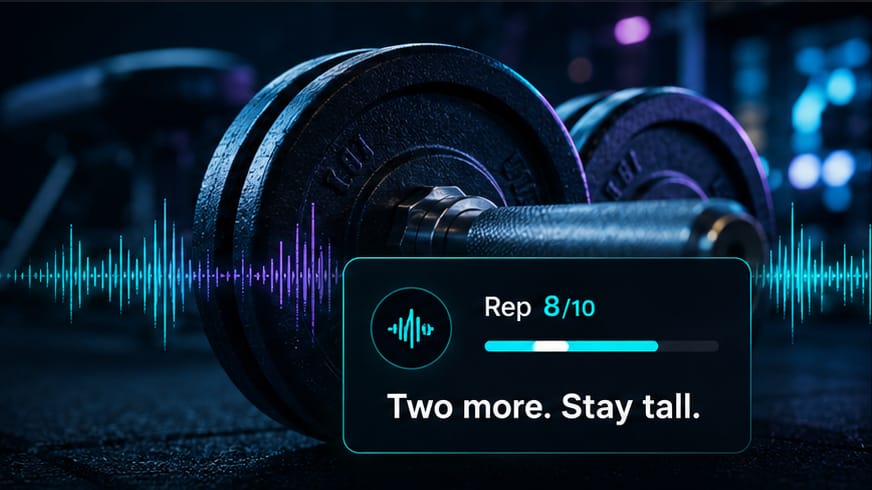
Live coaching Rep 8/10
“Two to go. Keep your chest tall.”Rest starts the moment you rack it.
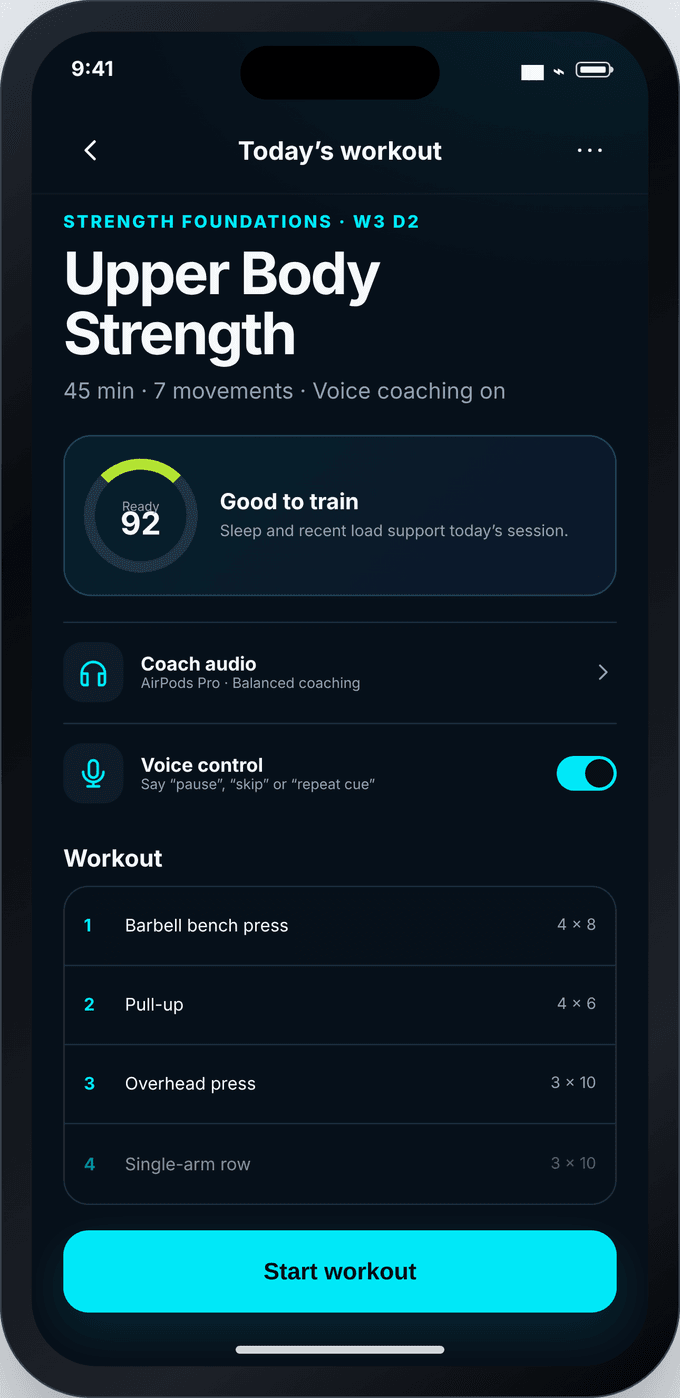
Pick a workout, choose how much the coach talks, and start. There is almost nothing to read, because you should not be reading your phone mid-set.
Start a coached program, or build your own around the time you have, the kit you have, and what you want to train.
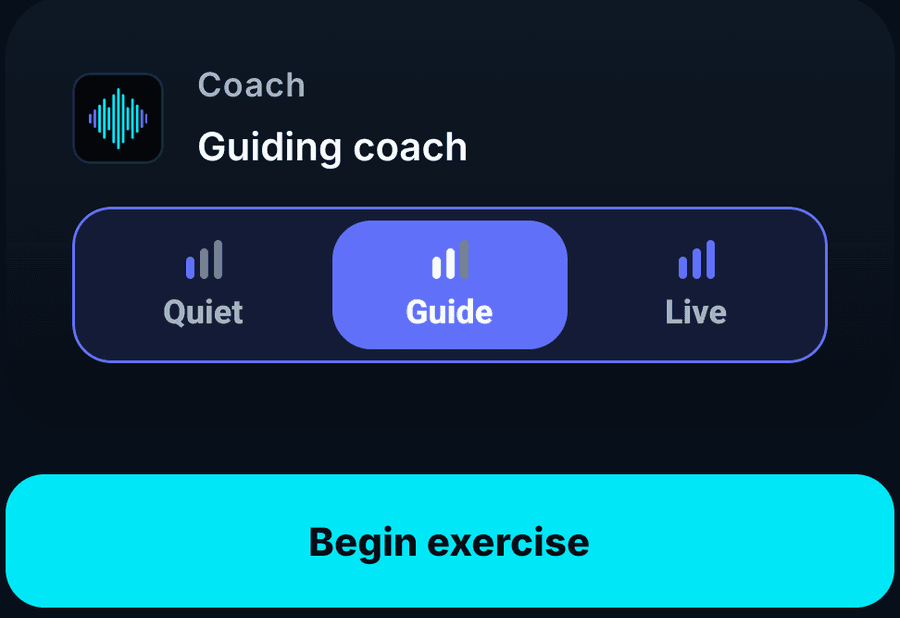
Choose how much the coach says: almost nothing, the important cues, or talking you through every rep. You can change it in the middle of a workout.
Live coachingRep 8/10
“Two to go. Keep your chest tall.”Rest starts the moment you rack it.
The coach counts your reps, tells you which muscle the set works and how to hold the movement. Rest starts by itself, and the next set is already on screen.
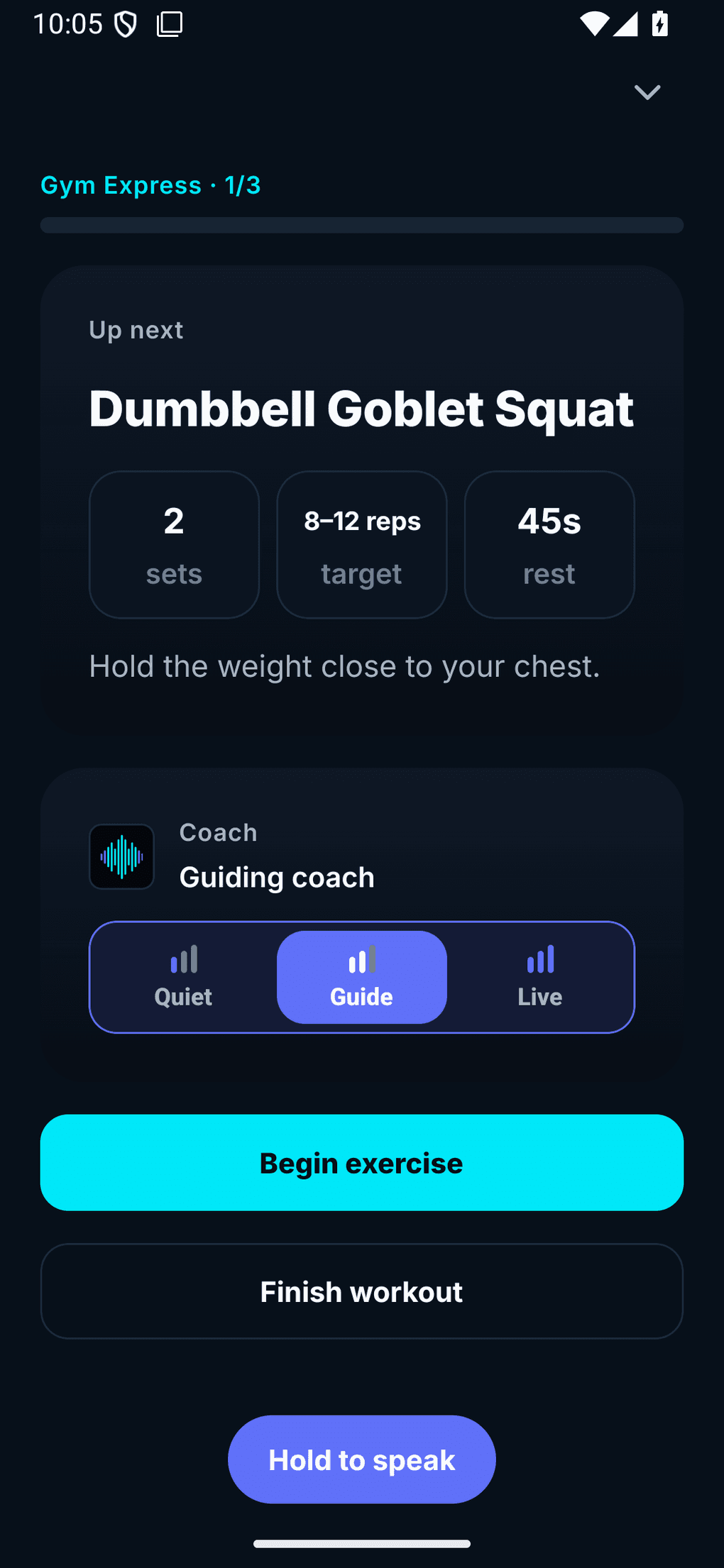
The coach can stay almost silent, or talk you through every rep. Pick one of three levels before you start, and switch between them without stopping your set.
Rest countdowns, and a word if something looks unsafe. Nothing else.
Rep counts, one cue for the lift you are doing, and what is coming next.
Talks you through the set, the rest, and what to do next.
You choose the voice, and you choose how it coaches. Both can change at any point, including in the middle of a workout.
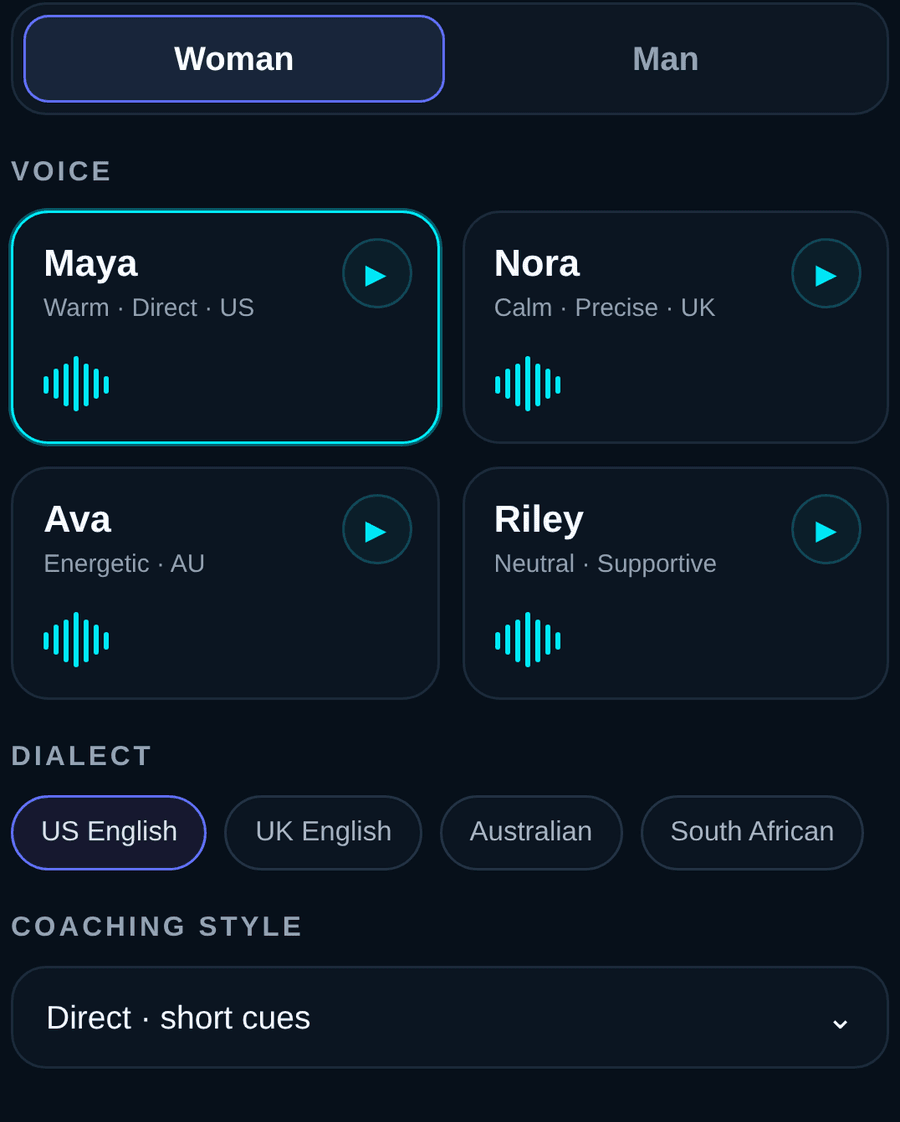
A woman's voice or a man's, each with its own character, and accents from the US, UK, Australia or South Africa. Play them before you choose. Then set the coaching style: short cues, or more explanation.
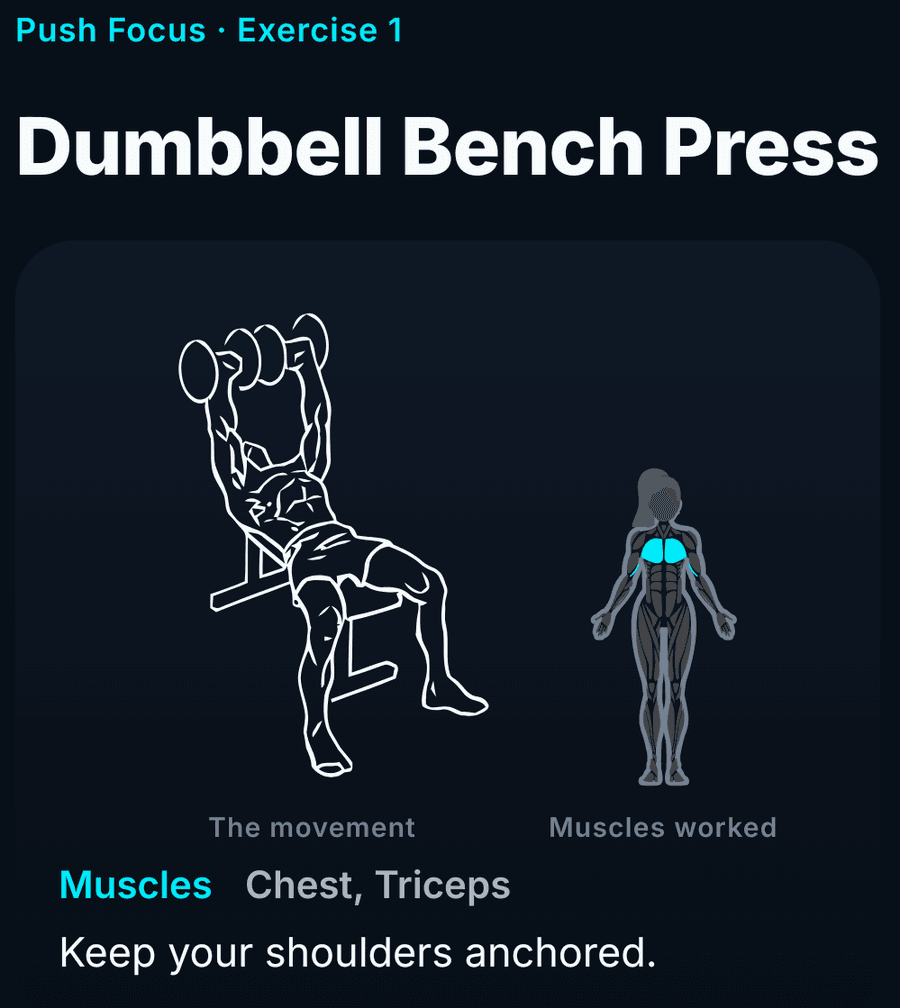
Before each set you see the movement, and a figure with the working muscles lit up. The coach names them out loud, says what good form looks like, and tells you where you should feel it. Useful when you are not sure what an exercise is for.
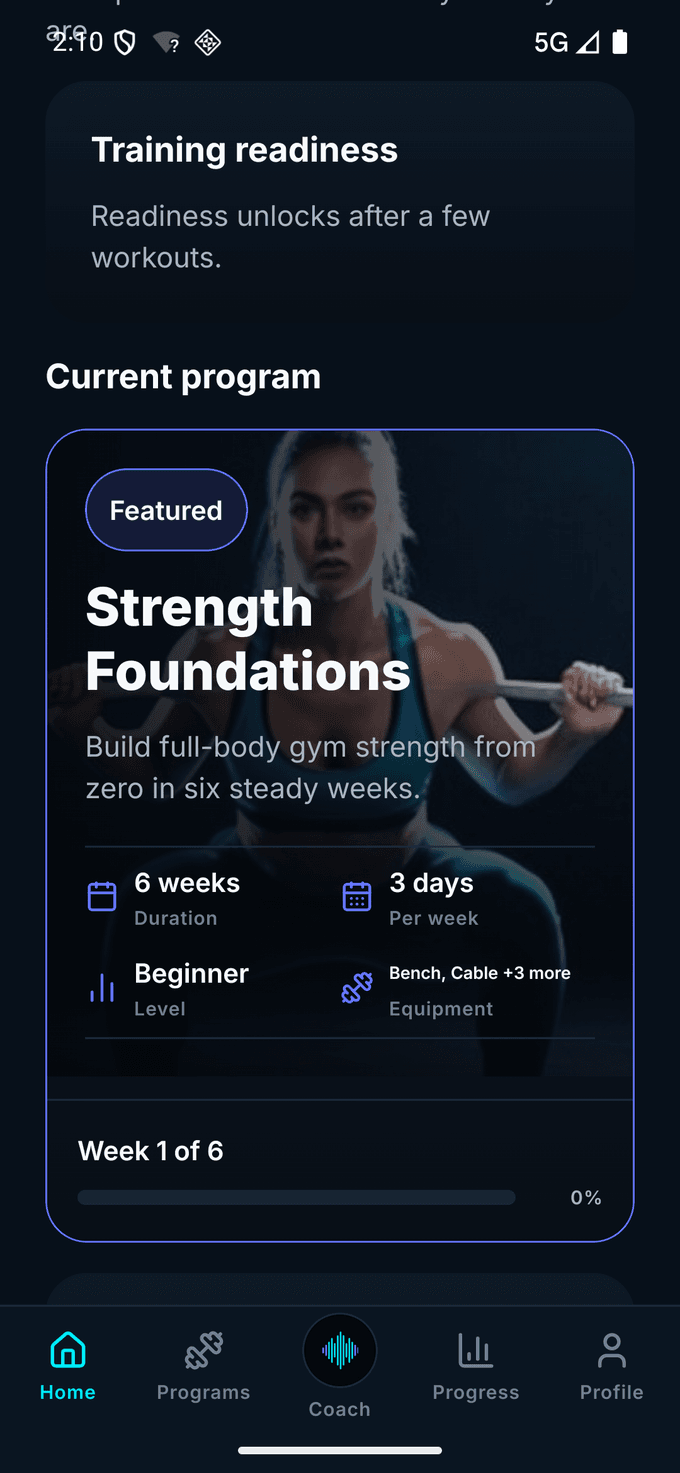
Every session is planned for you. Different levels, different muscle groups, some for a gym and some for home.
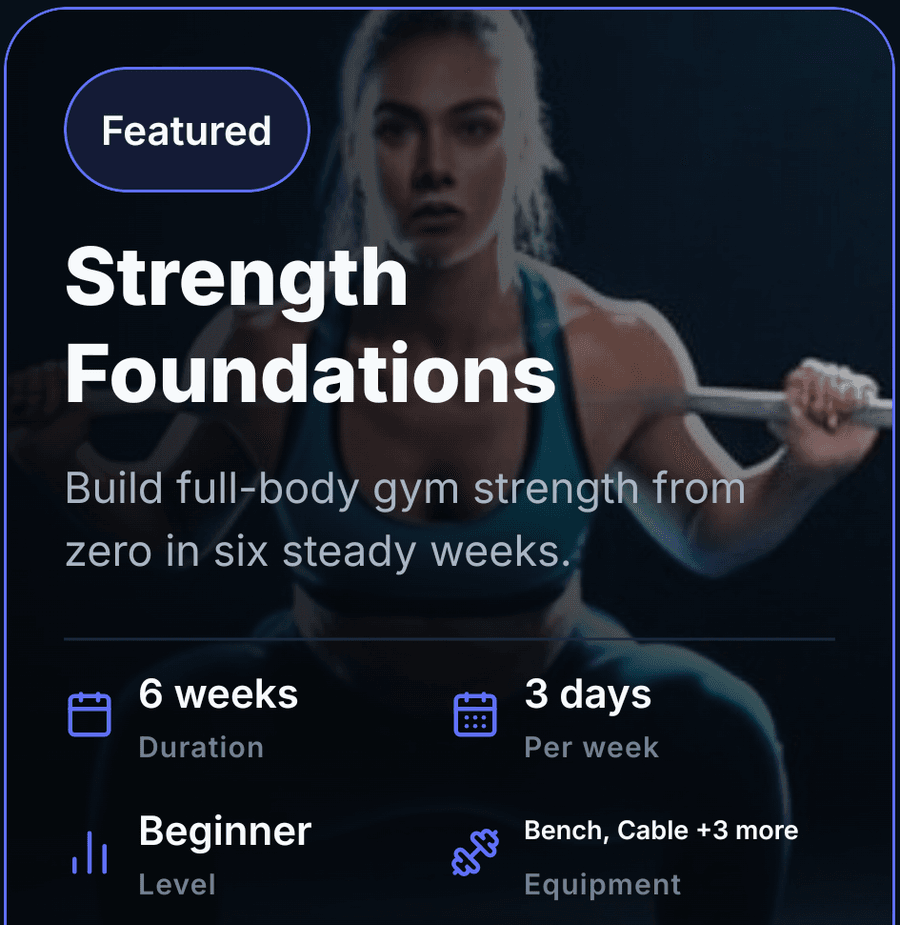
Start here if you are new

Full-body gym strength from scratch, in six weeks.

Four weeks at home, with nothing but a chair.

The classic push, pull and legs split, over eight weeks.

Two short home sessions a week, for your core and your breathing.
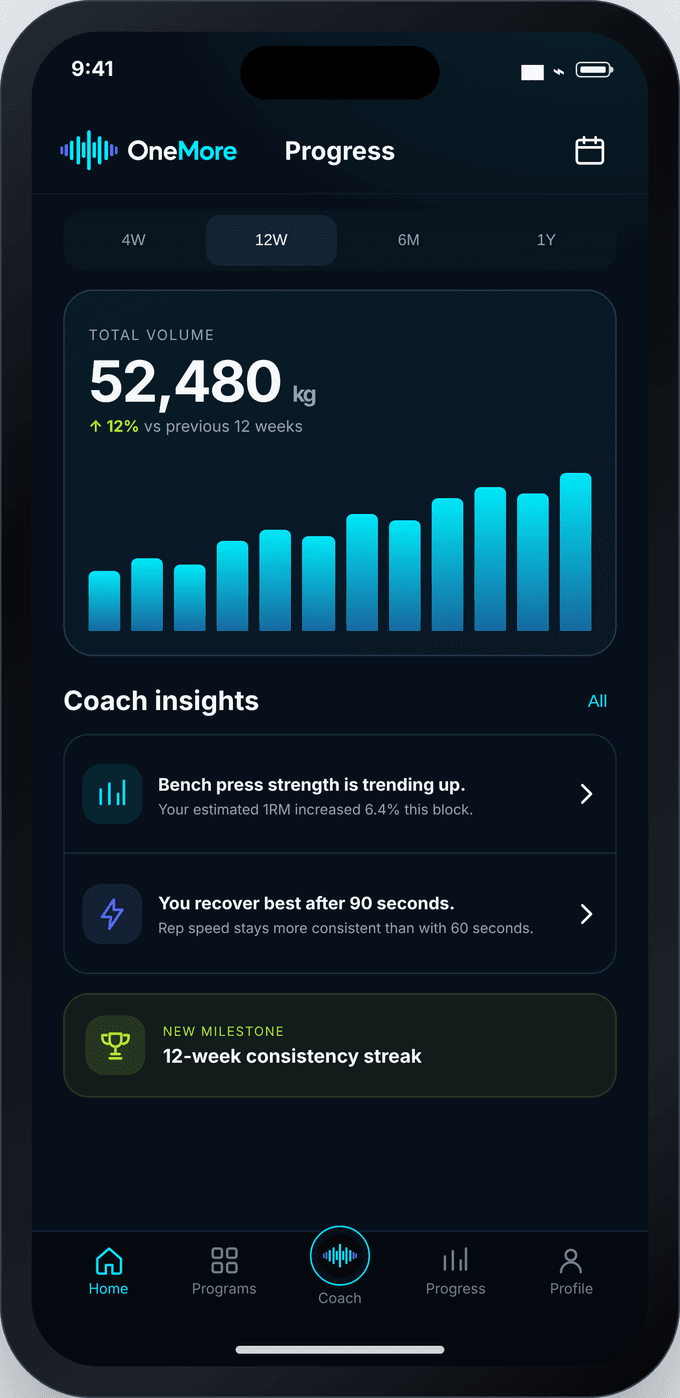
After every session you see what changed. Over a few weeks OneMore looks back through your history and suggests one or two things to do about it. No streaks to keep up, and nothing to work out for yourself.
The questions we get asked most. Anything else, email hi@onemore.coach and a person will answer.
Because a tracker is a form you fill in. It waits for you to type what you did, and it has no opinion about it. OneMore is the other way round: the session is already written, the coach reads it to you, counts for you and tells you what it saw. If you know what you are doing and want a good log, use a tracker. If you want someone talking you through it, that is a different product.
No. It is built for exactly that. Two of the four programs start from nothing, the first weeks are about learning the movements rather than adding weight, and every exercise names the muscles it works and how to hold it, out loud, while you do it. You do not need to know any of it in advance.
No. Speech recognition, rep counting and your history all work on the phone. You can train in a basement gym in airplane mode and nothing is missing.
On your phone. Speech recognition runs on the handset itself, workouts and history are stored in the app, and there are no ad trackers of any kind. Nothing is uploaded, which is also why there is nothing to leak. The full policy is linked at the bottom of this page.
No. What you say becomes a rep count or a short command, and is then thrown away. Nothing is recorded, uploaded, or saved as text.
Anything you can do by voice you can also tap. You can also count a rep with one press of a button, which answers with a buzz you can feel, so you never have to look at the screen. Voice is optional.
No. Two of the four programs are built for home and need nothing but a chair. The other two assume a normal gym.
iPhone and Android. Speech on the phone needs a fairly recent handset. If yours cannot manage it, the app says so during setup and switches to press and tap instead.
On the App Store and Google Play, for iPhone and Android.


Reading this on a laptop? Point your phone's camera here and the app comes with you.